Email QR Code Generator
Open a pre-addressed email with the subject and body already filled in.
- Free, with no account
- Static — it never expires
- Encoded on your device
Pre-filling the subject is what makes these codes useful — it routes the mail before anyone types a word.
A short template with blanks works far better than a long paragraph.
Cc and Bcc
Separate several addresses with commas. Remember that a printed bcc is not private.
Export
SVG has no resolution at all — it is the right choice for anything that will be printed.
Appearance & encoding
Higher levels survive damage and allow a bigger logo, but make the symbol denser.
The specification requires 4. Below that, decoders often fail to find the symbol at all.
Centre logo
PNG, JPG, SVG or WebP up to 512 KB. The file is read in this tab and never uploaded.
The safe maximum depends on the symbol size, not just the error-correction level — the check below works it out for the code you actually have.
Print readiness
What is actually encoded
What gets encoded
The payload is a mailto: URI — the same thing sitting behind an email link on
a web page, defined by RFC 6068. For the example above it comes out as:
mailto:hello@example.com?subject=Table%20booking&body=Hi%20%E2%80%94%20I%20would...
The address comes first. Everything after the ? is percent-encoded, which is
why spaces appear as %20 and a line break as %0A. Your mail app
decodes all of that before it shows you the draft.
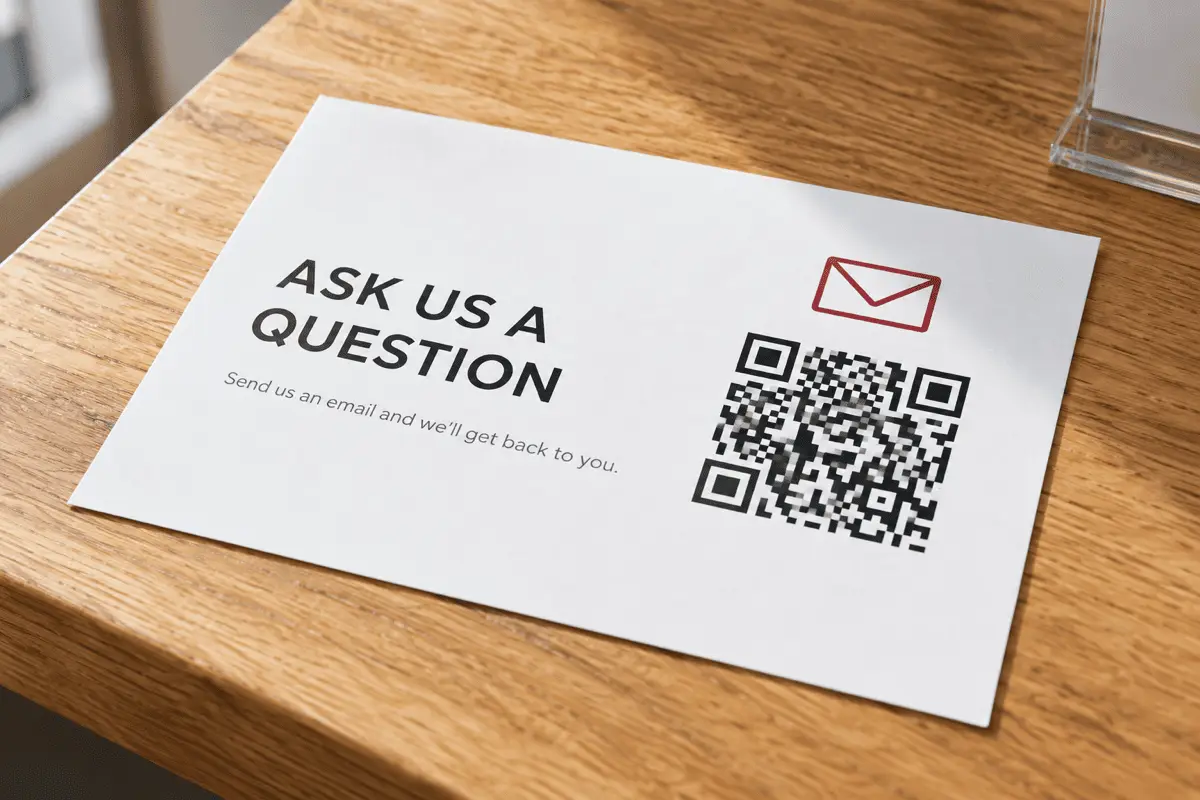
Where a pre-filled email beats a form
A web form needs a page, a backend, spam protection and a place to put the submissions.
A mailto: code needs none of that, and it lands in an inbox you already
watch. It is the right tool when the volume is low and the reply is a human one.
- Table booking or enquiry cards. Subject pre-set, body as a short template with blanks to fill.
- Support stickers on equipment. Put the model and serial in the subject so the reply does not start with three clarifying questions.
- Event feedback. A code at the exit with
Subject: Feedback — Spring Sessiongets replies a survey link will not. - Conference posters. Academics reliably have a mail app and unreliably have your preferred messenger.
Do not put a personal address on a public code
Keeping the body short
The body is the part that inflates the payload, and a dense symbol is a symbol that fails on a phone held at an angle in a dim room. A four-line template of about 60 characters is comfortable. A three-paragraph introduction is not. If you need the person to read a lot before writing, link them to a page with the URL tool and let the page carry a mail link.
Limits worth knowing
- No attachments. The
mailto:scheme cannot carry files, and no client would accept one from a URI if it could. - No HTML formatting. The body is plain text. Line breaks survive; bold does not.
- Behaviour varies by client. Most respect subject and body; a few web-mail handlers drop cc or bcc.
- A device with no mail account does nothing. A phone with no configured mailbox will either prompt for setup or ignore the scan.
FAQ
Frequently asked questions
Does scanning it send the email automatically?
Which mail app opens?
mailto: on that device — Mail on a stock iPhone, Gmail on most Android phones, Outlook where a company has configured it. You have no control over which, and you should not need any.Why is my pre-filled body cut short?
mailto: body they will accept, and a long body makes the QR Code dense as well. Two or three short lines is the practical maximum. Anything longer belongs on a web page you link to instead.Can I add multiple recipients, cc or bcc?
Will this attract spam?
hello@ is a better choice than a personal one.How do I pre-fill a subject with a reference number?
Support — order #{ORDER}. For a per-item reference you need a per-item code, which means generating one code per order rather than one for the whole print run.Keep going