WhatsApp QR Code Generator
Start a WhatsApp chat with your business, with the first message already written.
- Free, with no account
- Static — it never expires
- Encoded on your device
Country code first. No +, no spaces, no leading zero.
Leaving the sentence unfinished is a small trick that reliably gets people typing.
Getting the number right
| Written locally | Use this |
|---|---|
| UK 020 7123 4567 | 442071234567 |
| US (415) 555-0123 | 14155550123 |
| DE 0171 1234567 | 491711234567 |
| IN 098765 43210 | 919876543210 |
Export
SVG has no resolution at all — it is the right choice for anything that will be printed.
Appearance & encoding
Higher levels survive damage and allow a bigger logo, but make the symbol denser.
The specification requires 4. Below that, decoders often fail to find the symbol at all.
Centre logo
PNG, JPG, SVG or WebP up to 512 KB. The file is read in this tab and never uploaded.
The safe maximum depends on the symbol size, not just the error-correction level — the check below works it out for the code you actually have.
Print readiness
What is actually encoded
What gets encoded
The payload is a plain https link that WhatsApp itself publishes:
https://wa.me/442071234567?text=Hi%21%20I%20saw%20your%20window%20sign
The number is digits only. Everything after ?text= is the percent-encoded
opening message. When someone scans it, their phone opens the link, WhatsApp claims it,
and a chat with your number appears with the message ready to send. No account of ours is
involved at any point.
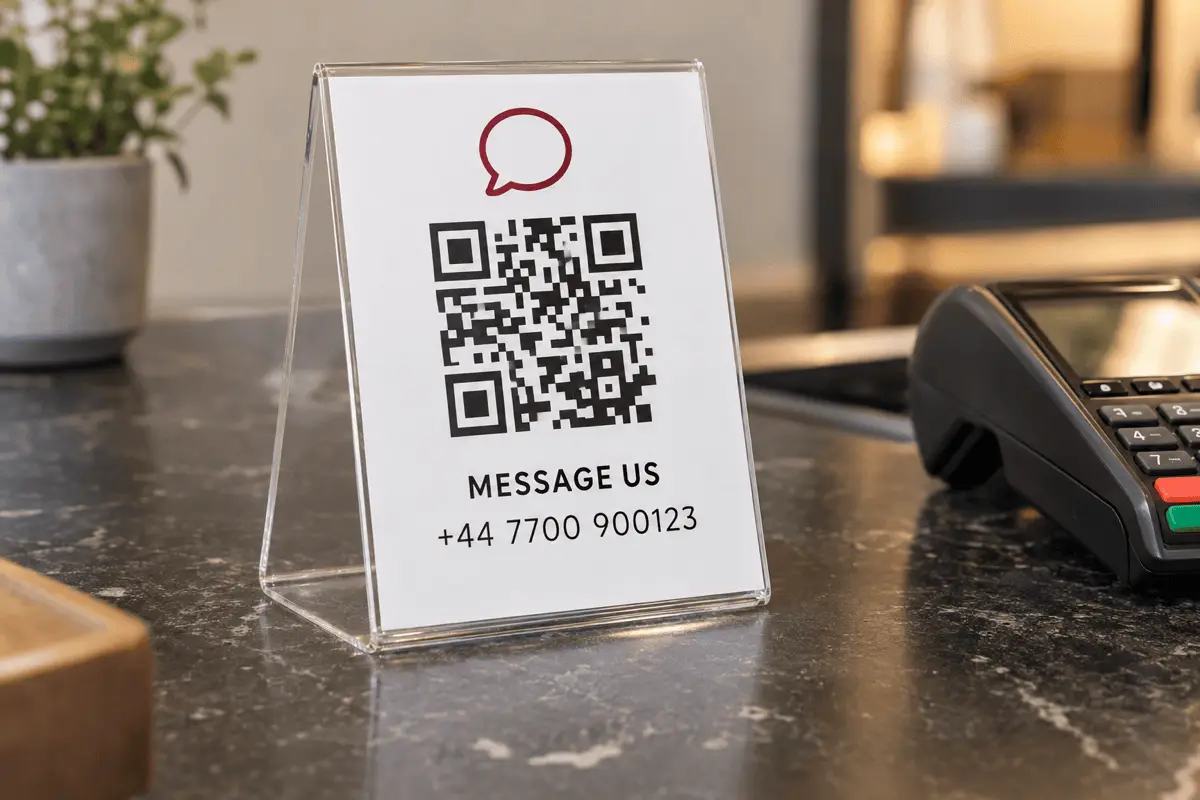
Use the opening message as your tracking
A static code sends no data to anyone, so there is no scan counter — but you can still tell where an enquiry came from. Vary the pre-filled text per placement and the answer arrives with the message:
- Window sign — “Hi! I saw your window sign and would like to ask about”
- Menu insert — “Hi! I'm at table”
- Delivery box insert — “Hi! My order number is”
Three codes, three different first lines, and your inbox sorts itself. It costs nothing and no third party sees any of it.
Never print the code from WhatsApp Web
Where these work well
- Shopfronts and counters. A message is easier to start than a phone call, and it leaves a record for both sides.
- Delivery and packaging inserts. Support requests arrive with the order number already typed.
- Market stalls and pop-ups. No till system, no email list, no app to install — just a chat.
- Property and vehicle sale signs. Enquiries at midnight from people who would never have rung.
Limits worth knowing
- WhatsApp must be installed. Without it the link is a dead end.
- No scan analytics. Only what arrives in your chat list.
- Changing the number means reprinting. The number is inside the pattern.
- Business hours matter. Chat feels instant. Set an away message if it is not.
FAQ
Frequently asked questions
Is this different from the QR Code inside WhatsApp?
wa.me link: a permanent, public address for starting a chat with your number. It is safe on a poster.Will it expire?
wa.me is WhatsApp's own permanent link format and QRCodeDojo is nowhere in the path. As long as you keep the number and WhatsApp keeps the format, a printed code keeps working.Why must I leave out the + and the leading zero?
wa.me requires: digits only, starting with the country code. UK 020 7123 4567 becomes 442071234567 — country code 44, then the number with its leading 0 removed. Getting this wrong is the single most common reason these codes fail.Do I need WhatsApp Business?
What happens if the person does not have WhatsApp?
Can I pre-fill the first message?
Keep going