Plain Text QR Code Generator
Encode any text — a serial number, a seat code, a note on a shelf label.
- Free, with no account
- Static — it never expires
- Encoded on your device
Line breaks are preserved. Every character makes the symbol denser — count them.
Export
SVG has no resolution at all — it is the right choice for anything that will be printed.
Appearance & encoding
Higher levels survive damage and allow a bigger logo, but make the symbol denser.
The specification requires 4. Below that, decoders often fail to find the symbol at all.
Centre logo
PNG, JPG, SVG or WebP up to 512 KB. The file is read in this tab and never uploaded.
The safe maximum depends on the symbol size, not just the error-correction level — the check below works it out for the code you actually have.
Print readiness
What is actually encoded
When plain text is the right answer
Most QR types exist to trigger an action: dial, join, navigate, open. A text code does none of that. It carries information for a person to read, and that turns out to be exactly what you want in a surprising number of places.
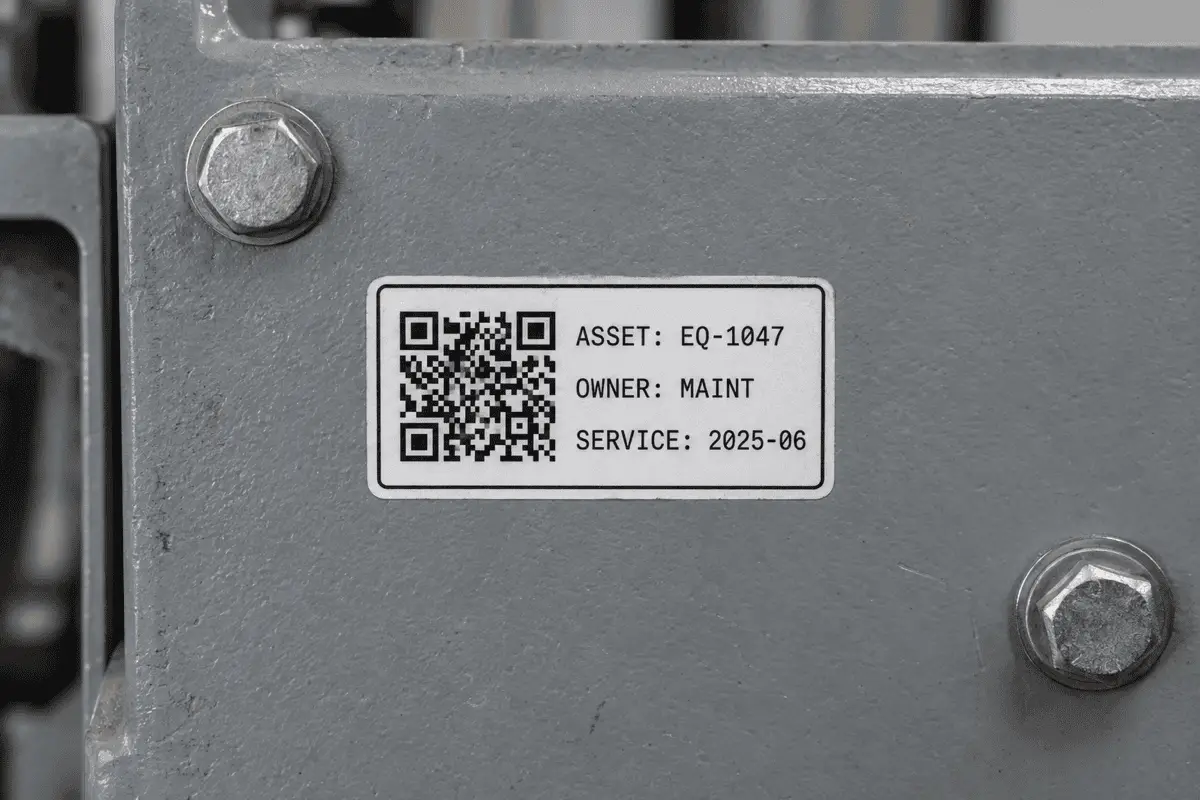
- Asset and equipment tags. An ID, a model, a service date. Readable with any scanner, no system to log in to.
- Serial and batch numbers. Long strings that people mistype every single time.
- Seat, shelf and locker references. Short, unambiguous, machine-readable.
- Care and handling instructions. Where the label is too small for the text but big enough for a code.
- Plant and exhibit labels. Latin names, provenance, the details nobody can fit on a stake.
Length is the whole design constraint
Every character you add pushes the symbol towards a higher version, and each version step adds four modules to each side. The same printed square then has to hold more, smaller modules. Here is what that looks like at error-correction level M:
| Characters | Version | Grid | Comfortable print width |
|---|---|---|---|
| ~20 | 2 | 25×25 | ~20 mm |
| ~60 | 4 | 33×33 | ~25 mm |
| ~150 | 7 | 45×45 | ~32 mm |
| ~400 | 12 | 65×65 | ~44 mm |
| ~800 | 17 | 85×85 | ~56 mm |
The right-hand column assumes an office laser printer and a 0.6 mm module. Your own numbers depend on the print method — the print size checker works them out exactly.
A QR Code is not a secret
Limits worth knowing
- No formatting. Plain text only; no bold, no colour, no layout beyond line breaks.
- Non-Latin scripts cost about three times as much. Plan for a bigger printed code.
- No action on scan. If you want a tap to do something, use a typed code.
- Display varies. Some scanners truncate long text in their preview panel.
FAQ
Frequently asked questions
How much text fits in one QR Code?
Does it handle Chinese, Japanese, Arabic or emoji?
Are line breaks preserved?
Why does the scanner just show text instead of doing something?
Is the text encrypted?
Can I use this for inventory or asset tags?
Keep going