Location QR Code Generator
Drop a pin that opens in the map app the person already uses.
- Free, with no account
- Static — it never expires
- Encoded on your device
Google Maps is the safe default for a mixed audience.
-90 to 90
-180 to 180
Optional. Turns a bare pin into a named destination.
Getting exact coordinates
- Desktop: right-click the spot in Google Maps — the coordinates are at the top of the menu.
- Phone: long-press to drop a pin, then read them from the card that appears.
- Aim at the entrance people use, not the centre of the roof.
Export
SVG has no resolution at all — it is the right choice for anything that will be printed.
Appearance & encoding
Higher levels survive damage and allow a bigger logo, but make the symbol denser.
The specification requires 4. Below that, decoders often fail to find the symbol at all.
Centre logo
PNG, JPG, SVG or WebP up to 512 KB. The file is read in this tab and never uploaded.
The safe maximum depends on the symbol size, not just the error-correction level — the check below works it out for the code you actually have.
Print readiness
What is actually encoded
The three formats, and who supports them
| Format | Payload | Support |
|---|---|---|
| Google Maps | https://www.google.com/maps/search/?api=1&query=35.71,139.79 | iOS, Android, desktop. Opens the app if installed, the web map otherwise. |
| geo: | geo:35.71476,139.79665?q=... | Android only. Hands off to whichever map app the person prefers. |
| Apple Maps | https://maps.apple.com/?ll=35.71,139.79 | iOS opens Apple Maps. Everyone else gets a web map. |
The geo: scheme is the only genuine standard here, and it is the one with the
worst coverage. That is an awkward fact, but printing a standards-compliant code that
silently fails on every iPhone is worse than printing a Google link that works.
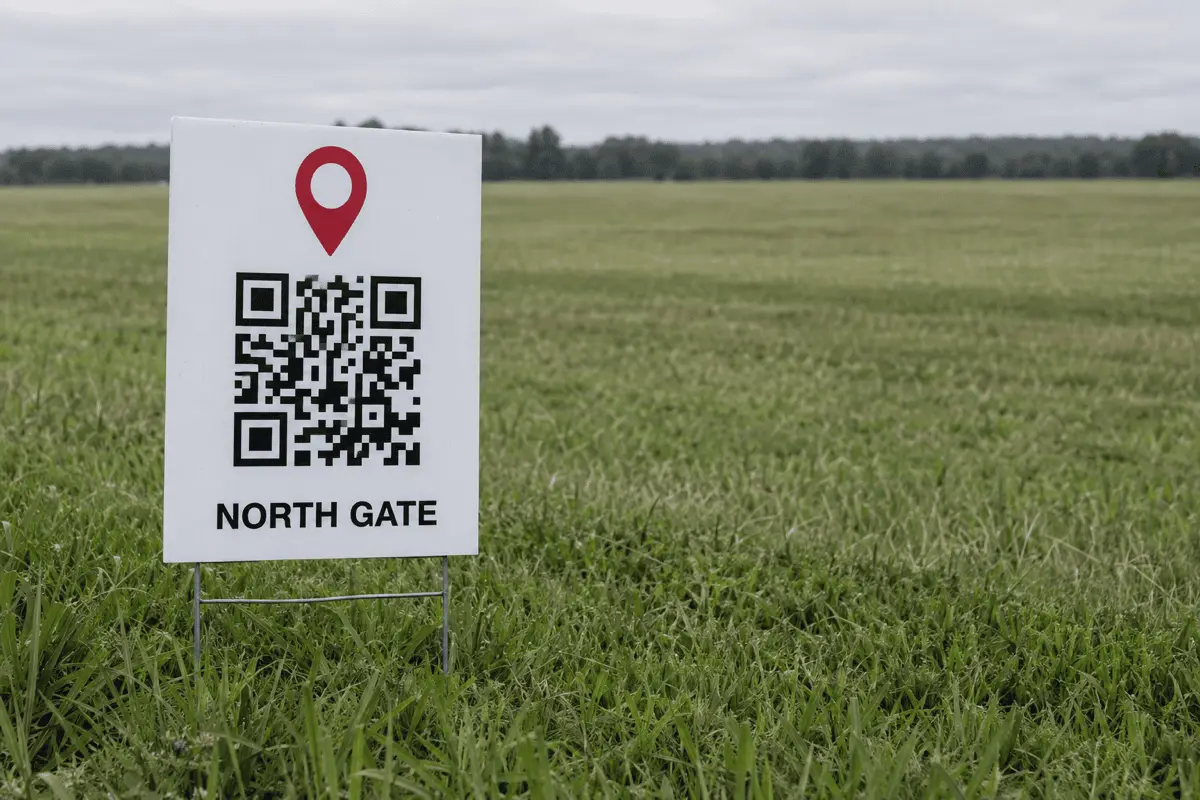
Where a location code earns its place
- Festivals and temporary sites. A field has no street number. Coordinates do.
- Deliveries to an awkward entrance. The loading bay, not the front door Maps insists on.
- Trailheads and car parks. Where the address is “the second gate past the farm”.
- Wedding and event invitations. A pin on the card removes an entire category of phone call on the day.
- Property boards. The plot, not the estate agent's office.
Print the address as well
Limits worth knowing
- A map app is required. Rare on a phone, but a locked-down work device may have none.
- Navigation needs a signal. The pin opens offline; turn-by-turn directions generally do not.
- Nothing is checked. We do not look the coordinates up. Scan the code and confirm the pin lands where you meant.
- Precision costs characters. Seven decimal places make the symbol denser and the destination no more findable.
FAQ
Frequently asked questions
Which format should I choose?
geo: if your audience is Android and you want their chosen map app to handle it. Apple Maps only for an iPhone-heavy audience. When in doubt, Google Maps.Why does geo: not work on my iPhone?
geo: scheme. Android does, which is why geo: looks like the “standard” choice and then fails on half your visitors. It is a real standard — RFC 5870 — with incomplete support.Where do I get the coordinates?
How many decimal places do I need?
Should I encode an address instead of coordinates?
Can I add a name to the pin?
Keep going