vCard QR Code Generator
Put your whole contact card on a business card, in vCard or the shorter MECARD format.
- Free, with no account
- Static — it never expires
- Encoded on your device
MECARD is shorter and prints smaller. vCard carries more structure.
Keep it short. Every character makes the symbol denser.
Export
SVG has no resolution at all — it is the right choice for anything that will be printed.
Appearance & encoding
Higher levels survive damage and allow a bigger logo, but make the symbol denser.
The specification requires 4. Below that, decoders often fail to find the symbol at all.
Centre logo
PNG, JPG, SVG or WebP up to 512 KB. The file is read in this tab and never uploaded.
The safe maximum depends on the symbol size, not just the error-correction level — the check below works it out for the code you actually have.
Print readiness
What is actually encoded
What a contact QR Code contains
A vCard QR Code holds an entire contact record as plain text. Here is the shape of it, with the line breaks that the format requires:
BEGIN:VCARD
VERSION:3.0
N:Tanaka;Mei;;;
FN:Mei Tanaka
ORG:Nine Eyes Studio
TEL;TYPE=CELL:+14155550123
EMAIL;TYPE=INTERNET:mei@example.com
END:VCARD
The N line is the structured name — family name, given name, then three
fields for middle name, prefix and suffix. FN is the display name. Splitting
them looks redundant until you meet a contacts app that sorts by surname.
Why MECARD makes a real difference
The same contact in MECARD is a single line with no headers, no version declaration and no type parameters:
MECARD:N:Tanaka,Mei;ORG:Nine Eyes Studio;TEL:+14155550123;EMAIL:mei@example.com;;
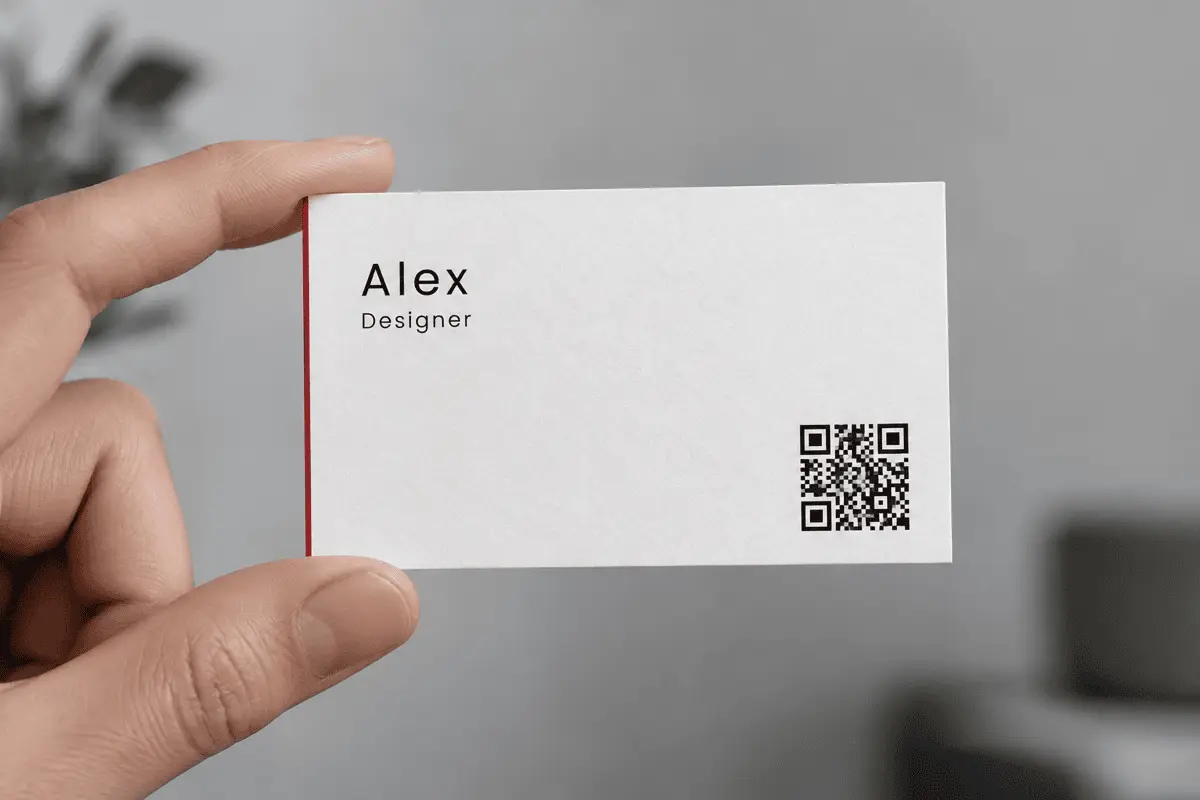
That is around 85 characters against roughly 150 for the vCard. On a business card printed at 20 mm, the difference is often two or three QR versions — which means noticeably larger modules and a code that scans from further away, in worse light, on an older phone. If the card has to be small, this is the single highest-leverage change you can make.
The trade-off
Keeping the payload small
| Change | Typical saving |
|---|---|
| vCard → MECARD | 30–40% of the whole payload |
| Drop the postal address | 50–80 characters |
| Drop the note field | However long the note is |
| One phone number instead of two | ~25 characters |
| Level Q → level M | No payload change, but a smaller symbol for the same data |
Limits worth knowing
- No photo. An image will not fit in a QR Code, whatever the format allows on paper.
- Details are frozen at print time. Change jobs and the printed card is wrong — that is true of the printed text too, so it is rarely the deciding factor.
- Nothing is verified. We do not check that the email exists or the number rings. Scan your own card before you order five hundred.
- Non-Latin scripts cost more. A name in Chinese or Japanese is encoded as UTF-8 bytes, so each character costs about three times a Latin one. Expect a denser symbol.
FAQ
Frequently asked questions
vCard or MECARD — which should I choose?
Will it save straight into Contacts?
My QR Code looks dense and hard to scan. What do I do?
Can I include a photo or a company logo in the contact?
Why is my phone number reformatted?
tel: grammar, and a leading + is kept. Store numbers in international form — +14155550123 — so the card works for someone who scans it abroad.Is my contact information stored anywhere?
Keep going