URL QR Code Generator
Turn any link into a static QR Code that keeps working after we are gone.
- Free, with no account
- Static — it never expires
- Encoded on your device
Paste the full address. If you leave off https:// we add it for you.
Before you print, check the link twice
- Open it in a private browser window — a link that only works while you are logged in is the classic mistake.
- Open it on a phone. A desktop-only page behind a QR Code is a page nobody will read.
- Scan the preview from this screen with your own camera before the file goes anywhere near a printer.
Export
SVG has no resolution at all — it is the right choice for anything that will be printed.
Appearance & encoding
Higher levels survive damage and allow a bigger logo, but make the symbol denser.
The specification requires 4. Below that, decoders often fail to find the symbol at all.
Centre logo
PNG, JPG, SVG or WebP up to 512 KB. The file is read in this tab and never uploaded.
The safe maximum depends on the symbol size, not just the error-correction level — the check below works it out for the code you actually have.
Print readiness
What is actually encoded
How a URL QR Code actually works
A QR Code is not a link to a database entry. It is the text itself, written out in a
two-dimensional pattern of light and dark squares called modules. When your phone reads
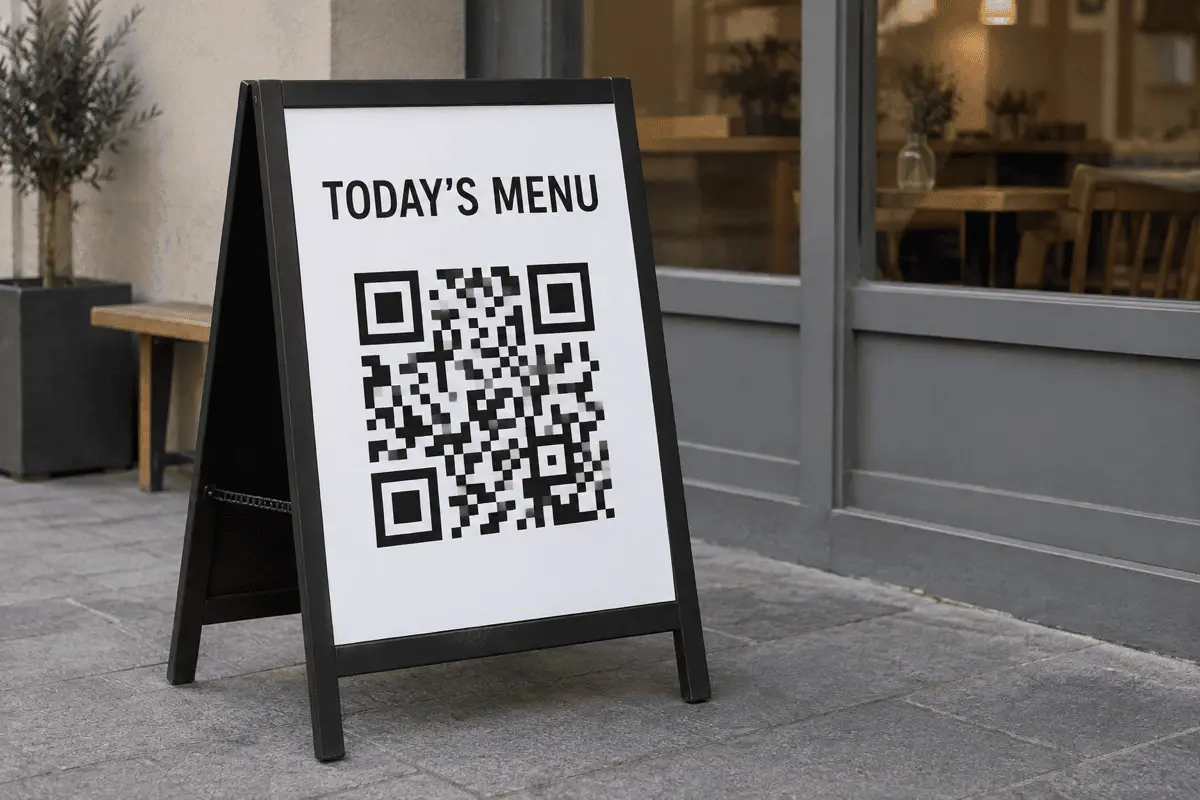
https://example.com/menu off a poster, it has decoded those characters
directly from the ink. Nothing was looked up, and no server was contacted except the one
at the address you encoded.
That single fact is what separates a static code from the “dynamic” codes most free generators hand out. A dynamic code contains the generator's short link, not yours. Every scan goes through their server first, which is how they can count scans and change the destination — and also how they can start charging you, rate-limit the code, or let the domain lapse. Your poster stops working and you did nothing wrong.
The encoding, step by step
- Normalisation. If your input has no scheme,
https://is prepended. Nothing else about the URL is rewritten — no shortening, no tracking parameters, no case changes. - Mode selection. The encoder picks the most compact QR mode that fits your characters. A URL in all lowercase with digits and a few symbols usually lands in byte mode.
- Version selection. The smallest QR version (1–40) that can hold the data at your chosen error-correction level is used. Version determines the grid: version v gives a
4v + 17module grid, so version 3 is 29×29 and version 10 is 57×57. - Error correction. Reed–Solomon codewords are added so the symbol survives damage. See the levels below.
- Rendering. The module matrix is drawn as an SVG path or onto a canvas, with a four-module quiet zone on every side.
Which error-correction level to pick
Error correction is redundancy. A higher level rebuilds more damaged modules but needs more of them, which makes the symbol denser at the same printed size. For a plain URL:
| Level | Recovers | Use it when |
|---|---|---|
| L | ~7% | Screen only, or a very long URL you cannot shorten. |
| M | ~15% | The default. Right for almost every printed URL. |
| Q | ~25% | Codes that get handled, folded, or live somewhere dusty. |
| H | ~30% | You are placing a logo in the centre, or the surface is rough. |
A note on what “recovers 30%” means
Examples worth copying
- Restaurant menu.
https://yoursite.com/menu— a page on your own domain, so you can redirect it next season without reprinting a single table tent. - Product insert.
https://yoursite.com/setup/model-a— a path per model beats one generic support page that makes the customer hunt. - Event signage.
https://yoursite.com/2026/schedule— dated paths age honestly; next year's sign gets next year's code. - Property listing.
https://yoursite.com/l/42-oak— short paths make smaller symbols, which is what you want on a window card read from the pavement.
Limits you should know about
- The destination is fixed once printed. Redirect from your own domain if you need to change it later.
- We cannot tell you if the URL works. The generator never fetches your link — that is a deliberate privacy decision, not an oversight. Test it yourself.
- Very long URLs print badly. Past about 300 characters, plan on a bigger code or a shorter link.
- Camera apps differ. Most modern phones read a URL code from the default camera. Some older Android builds still need a scanner app.
FAQ
Frequently asked questions
Will this QR Code stop working one day?
Can I edit the destination after printing?
yoursite.com/menu) and set up a redirect on your own server. You keep the control and you keep the code.Is there a limit on how long the URL can be?
Should I use http:// or https://?
Do I need to include www?
www. saves four characters, which very occasionally drops the symbol down a version and makes every module slightly larger.Can I track how many people scan it?
Keep going