Calendar Event QR Code Generator
Add your event to someone’s calendar without an email, a link or an app.
- Free, with no account
- Static — it never expires
- Encoded on your device
A plain address here is better than coordinates — calendar apps geocode it into a tappable map link.
Tick for something measured in days rather than hours.
Leave as the start date for a single-day event.
The single biggest contributor to a dense, hard-to-scan symbol. Be ruthless.
VEVENT is shorter and is what camera apps expect.
Export
SVG has no resolution at all — it is the right choice for anything that will be printed.
Appearance & encoding
Higher levels survive damage and allow a bigger logo, but make the symbol denser.
The specification requires 4. Below that, decoders often fail to find the symbol at all.
Centre logo
PNG, JPG, SVG or WebP up to 512 KB. The file is read in this tab and never uploaded.
The safe maximum depends on the symbol size, not just the error-correction level — the check below works it out for the code you actually have.
Print readiness
What is actually encoded
What gets encoded
An iCalendar event, as defined by RFC 5545 — the same format behind every .ics file your calendar has ever imported:
BEGIN:VEVENT
SUMMARY:Spring Tea Ceremony
DTSTART:20261017T140000
DTEND:20261017T163000
LOCATION:Nine Eyes Studio\, 12 Nakamise Street
END:VEVENT
The timestamps are YYYYMMDDTHHMMSS with no trailing Z, which
makes them floating local times. Note the backslash before the comma in the location:
commas, semicolons and backslashes are reserved in iCalendar text and have to be escaped.
Line breaks are CRLF, and any line longer than 75 octets is folded onto a continuation
line beginning with a space. We handle all of that.
The exclusive end date, explained
This trips up everyone who writes iCalendar by hand. For an all-day event, DTEND
is the first day not covered. A one-day event on 17 October is written as:
DTSTART;VALUE=DATE:20261017DTEND;VALUE=DATE:20261018
Enter 17 October as both start and end here and we add the day for you. It is the kind of off-by-one that only shows up after the posters are on the wall.
Floating times are usually what you want
Where event codes work
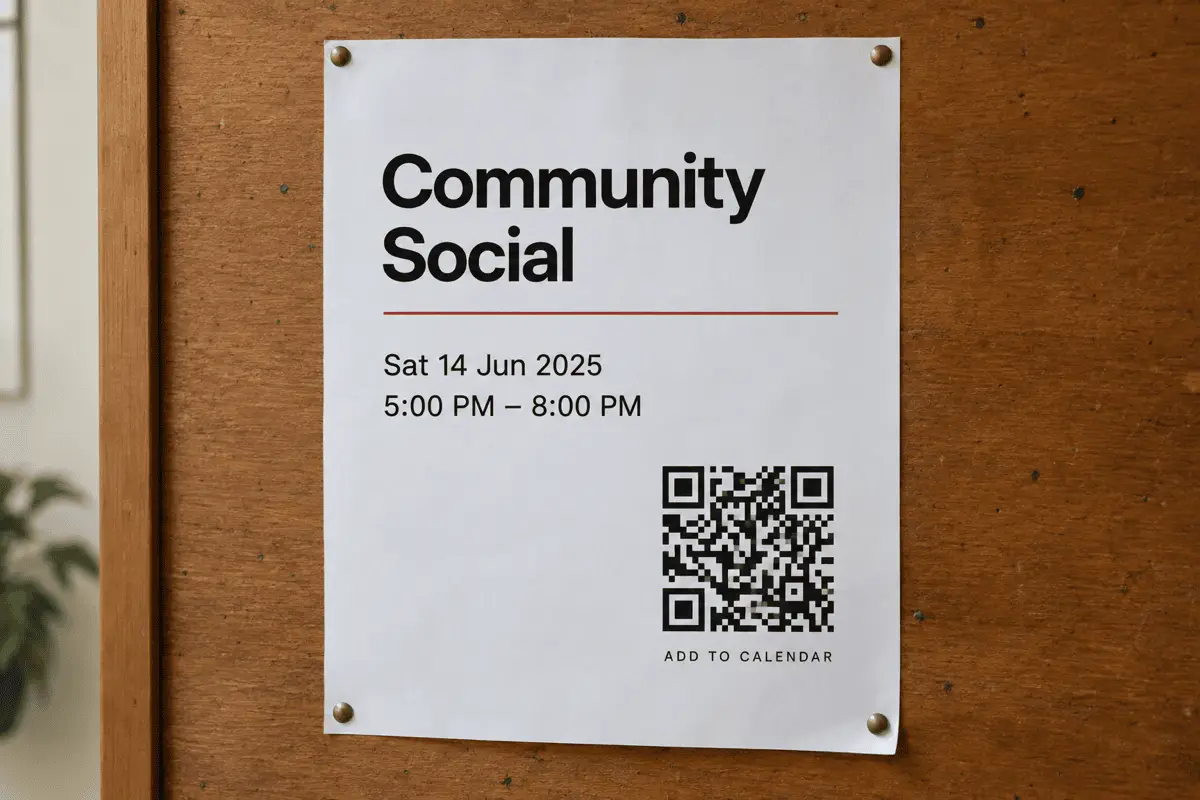
- Posters and flyers. The gap between “that looks interesting” and “it is in my calendar” is where most events lose people.
- Conference programmes. One code per session; attendees build their own schedule as they walk.
- Class and workshop timetables. A code per class on the studio noticeboard.
- Invitations. Printed card, digital calendar, no typing.
Limits worth knowing
- Support is the least consistent of any type here. iOS handles VEVENT well; Android varies by scanner app. Test on both.
- No repeats, no attendees, no alarms. Those need lines that scanner apps ignore or mishandle.
- Descriptions are expensive. Keep them to a line or drop them.
- Change the date and you reprint. For events that move, link to a page on your site instead.
FAQ
Frequently asked questions
Does it add the event to the calendar automatically?
VEVENT or full VCALENDAR — which one?
VEVENT is what most camera apps expect and is about 60 characters shorter, which matters on a poster. The full VCALENDAR wrapper is strictly more correct and is what you want if the same text will also be saved as an .ics file. For a printed code, VEVENT.How are time zones handled?
Why does my one-day all-day event end the next morning?
Can I add a repeating event?
RRULE line, which adds length and is interpreted inconsistently by scanner apps. For a recurring series, link to a calendar subscription page with the URL tool instead.My event QR Code is very dense. What can I cut?
Keep going